How to Hide Photos on iPhone and Android Without Anyone Knowing
We all have photos we would rather keep private. Whether it is personal memories, sensitive documents, or just pictures you do not want others stumbling upon when browsing your camera roll, hiding photos is a perfectly reasonable thing to want.
The problem is that most built-in solutions are not very good at actually hiding things. Let us walk through your options — from basic to truly invisible.
The Problem with Built-In Hidden Albums
iPhone Hidden Album
iOS has a "Hidden" album in the Photos app. You can select photos, tap Share, and choose "Hide." The photos move to a Hidden album that requires Face ID or passcode to open.
Sounds good, right? The issue: anyone who knows about the Hidden album (which is most people) can see it is there. It is like having a folder on your desk labeled "Do Not Open" — it practically invites curiosity.
Android Locked Folder
Google Photos has a similar "Locked Folder" feature. Same concept, same problem — it is visible and obvious.
Why Vault Apps Are Better
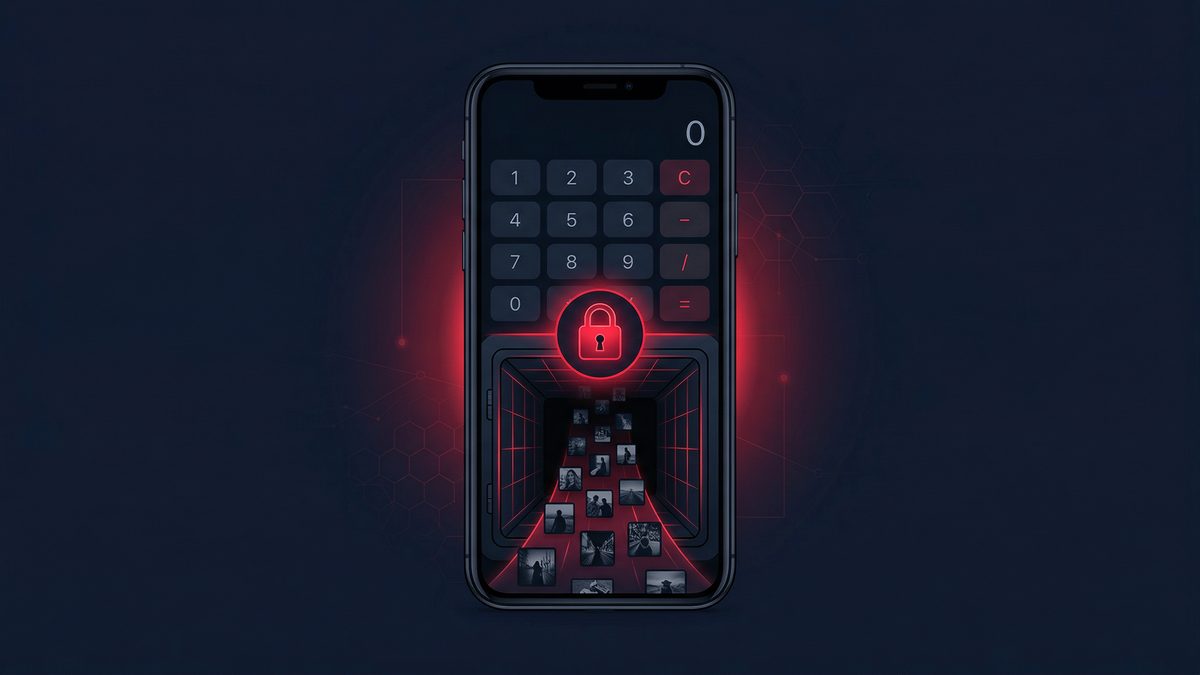
A dedicated vault app like Photo Vault: Calculator Safe takes a completely different approach. Instead of creating an obvious "hidden" section, it disguises itself as something nobody would think to open — a calculator.
The app looks and functions like a real calculator. You can do math with it. But enter your secret PIN, and it unlocks a completely hidden vault where your private photos live. Nobody browsing your phone would ever suspect it.
How to Set Up a Calculator Vault
- Download Photo Vault: Calculator Safe from the App Store or Google Play
- Set your secret PIN — choose something you will remember but others would not guess
- Import photos from your camera roll into the vault
- Delete the originals from your gallery — they are now safely stored in the vault
- Test it — close the app and reopen. You will see a calculator. Enter your PIN to verify access.
Additional Privacy Tips
- Use a unique PIN different from your phone unlock code
- Enable break-in alerts so you know if someone tries to guess your code
- Set up decoy mode with a secondary PIN that opens a fake vault with innocent photos
- Regularly back up your vault to ensure you do not lose precious memories
- Turn off notification previews for the app in your phone settings
What About Cloud Storage?
Storing private photos in cloud services like Google Drive or iCloud is risky. These services can be accessed from other devices, may sync across family accounts, and are vulnerable to data breaches. A local vault keeps your photos on your device only — no servers, no syncing, no risk of remote access.
The Bottom Line
Built-in hidden albums are better than nothing, but they are not truly hidden. For real privacy, a calculator-disguised vault app is the gold standard. Your photos stay encrypted on your device, invisible to anyone who picks up your phone, and accessible only with your secret code.
Download Photo Vault: Calculator Safe free on iOS and Android.
Proteggi la Tua Privacy con Photo Vault
Nascondi le tue foto e file privati dietro una calcolatrice funzionale. Gratis per iOS e Android.
Articoli Correlati
How to Hide Photos on iPhone in 2026 (15 Private Methods That Actually Work)
Want to keep personal pictures private without deleting them? Here are 15 practical ways to hide photos on iPhone in 2026—from built-in tricks to encrypted vault apps.
Leggi articoloHow to Detect Stalkerware on Your Phone in 2026 (12 Warning Signs + Fixes)
Think someone’s secretly monitoring your phone? Learn the most common stalkerware warning signs and the exact steps to remove it and lock your device down.
Leggi articolo